
And you're trying to buy something on a cracked phone screen. The hero image is still loading, the navigation is cramped, and the link you need is small enough to miss with a thumb. One awkward tap can expose the whole problem: speed, layout, accessibility, and conversion aren't separate concerns. They meet in the moment a visitor decides whether to continue.
The best web design practices are practical build decisions, not visual trends. A responsive layout keeps content usable. Clear hierarchy makes the next step obvious. Fast rendering protects attention. Accessible forms let more people complete the same task. Strong navigation, typography, color, markup, and testing then reinforce that path.
The ten practices below are prioritized around two outcomes together: more completed actions and fewer usability barriers. Each one ends with a fix a designer or developer can ship this sprint.
Table of Contents
- 1. Mobile-First Responsive Design
- 2. Clear Visual Hierarchy and Scannable Layouts
- 3. Fast Load Times and Core Web Vitals Optimization
- 4. Accessible and Inclusive Design
- 5. Intuitive Navigation and Logical Information Architecture
- 6. Action-Oriented Calls to Action and Conversion-Focused Layouts
- 7. Readable Typography and Generous White Space
- 8. Purposeful Color Use and Brand Consistency
- 9. Semantic HTML and Structured Data for SEO and GEO
- 10. Data-Driven Testing and Continuous Iteration
- 10-Point Web Design Best Practices Comparison
- Where to Start This Week
1. Mobile-First Responsive Design
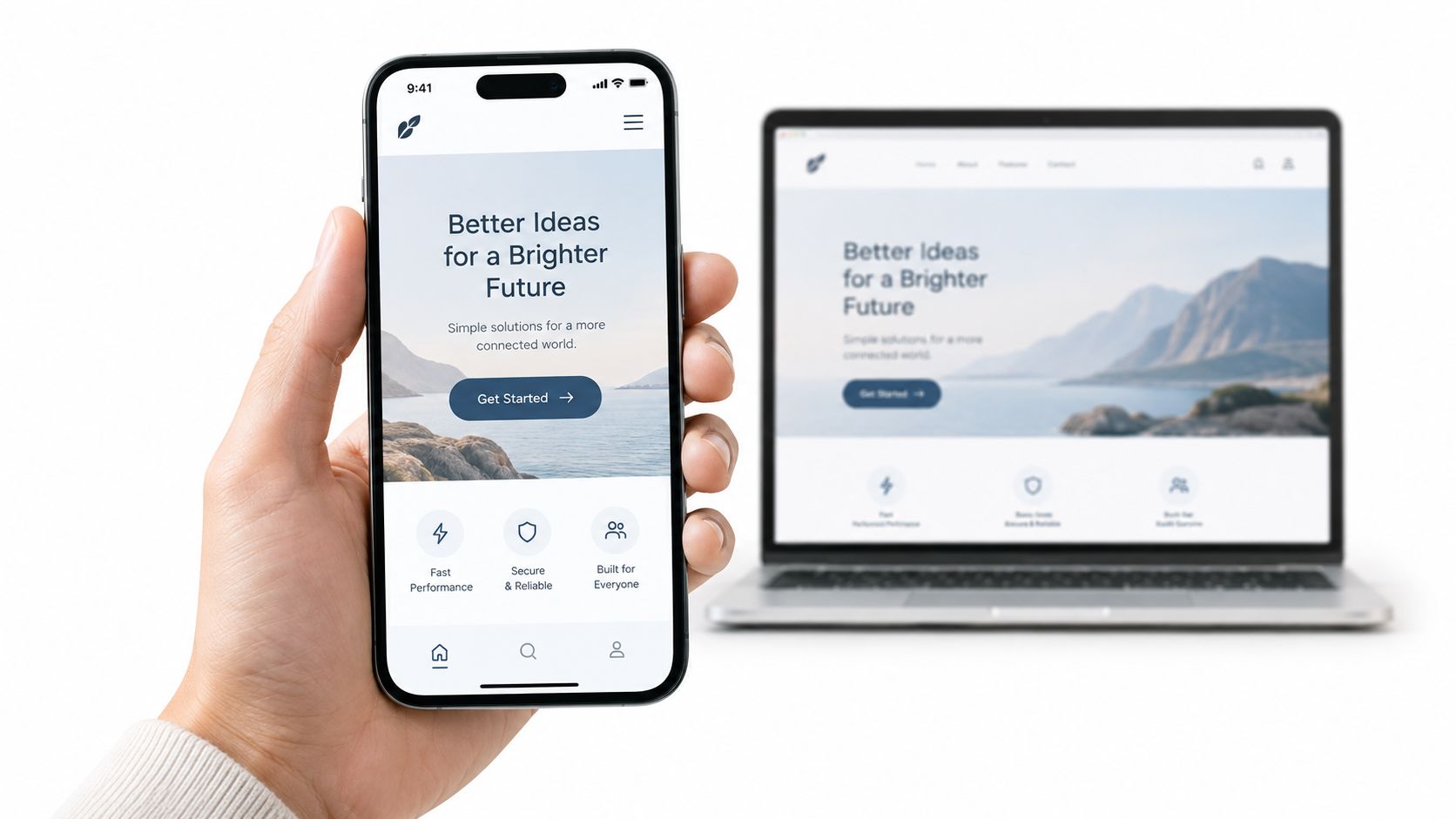
Mobile-first design starts with the smallest practical screen, then adds complexity as space becomes available. That approach forces a useful discipline. Content, navigation, and the primary action must earn their place before decorative elements or desktop conveniences enter the layout.
Google announced mobile-first indexing experiments in November 2016, meaning its systems would increasingly use the mobile version of a page to understand content, structured data, and search snippets. In May 2019, Google said mobile-first indexing would become the default for newly discovered domains beginning July 1, 2019. By March 2020, Google reported that 70% of websites shown in search results had shifted to mobile-first indexing and announced plans to switch all websites beginning in September 2020. Google's mobile-first indexing guidance also recommends equivalent text, images, videos, links, metadata, and structured data across mobile and desktop.
That makes mobile a primary experience, not a reduced desktop version. GOV.UK's service patterns and Airbnb's search and booking flows show why content order, tap behavior, and task completion need deliberate mobile decisions.
Ship this sprint: Wireframe at 320 to 375 pixels before opening the desktop layout. Test with Chrome DevTools, one physical iPhone, and one Android device. Replace hover-only interactions with tap or click states, keep primary navigation focused, and use this mobile website optimization guide to check content parity, touch behavior, and conversion paths.
2. Clear Visual Hierarchy and Scannable Layouts
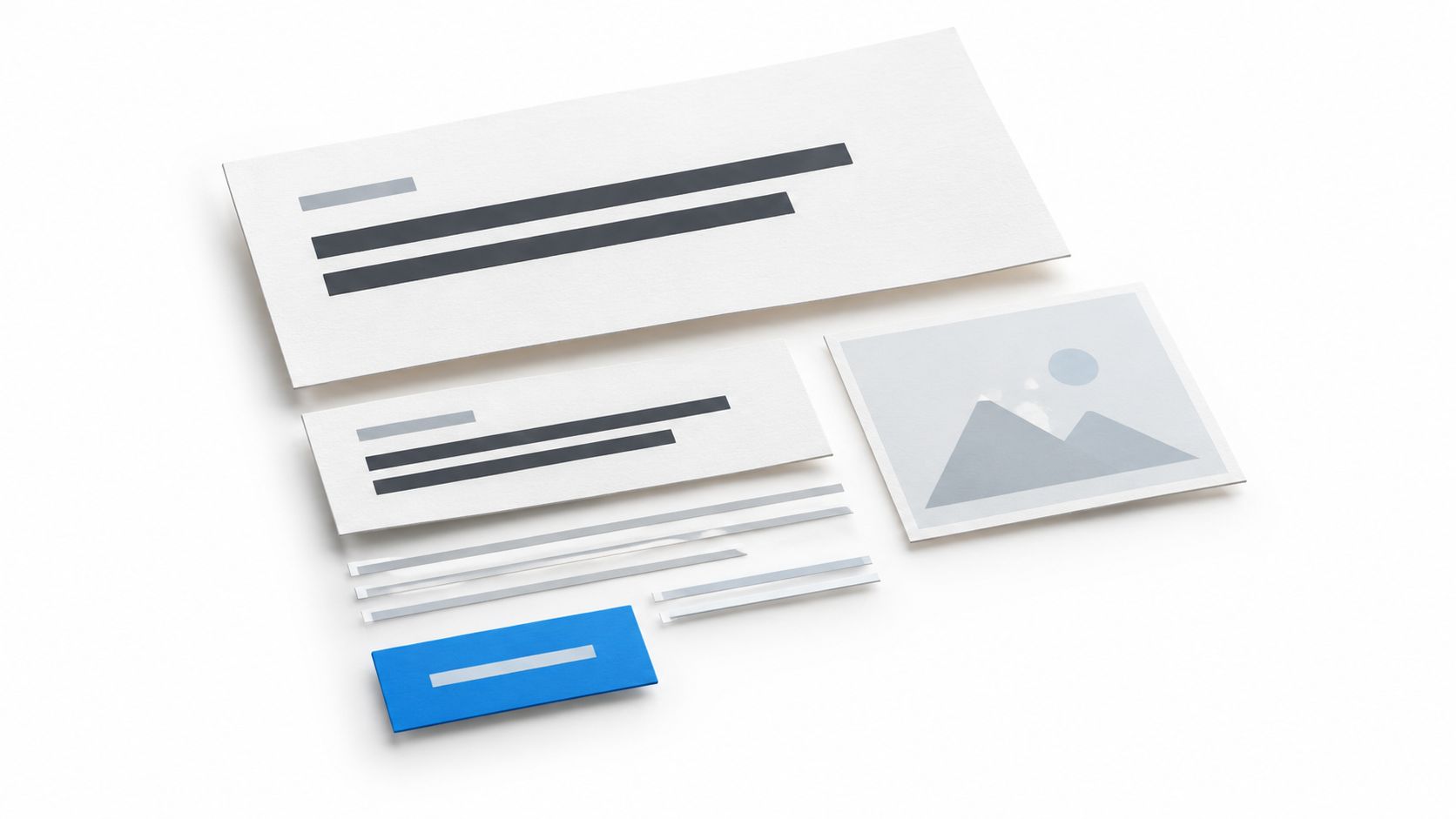
Visitors rarely read a page from top to bottom on the first pass. They scan headings, bold phrases, images, and interface cues to decide whether the page deserves attention. A strong hierarchy answers three questions quickly: what is this, why does it matter, and what should I do next?
Use size, weight, spacing, contrast, and position to create that order. Stripe's marketing pages pair large value-led headlines with short supporting copy and clear breaks. Apple's product pages use bold headings, generous whitespace, and a focal image to keep each section understandable without making visitors decode the layout.
A page can look polished and still fail if every element competes for attention. Multiple bright buttons, oversized promotional banners, and dense paragraphs turn accessibility into a problem as well as a conversion problem. Users with low vision or cognitive fatigue need predictable emphasis, while everyone benefits when the primary action stands apart.
Test the hierarchy before polishing it
Keep one H1 that states the main value proposition in plain language. Break supporting copy into short paragraphs that remain scannable on phones. A five-second test is useful here: show someone the page briefly, then ask what the business offers and what action they'd take. If the answers are vague, more decoration won't solve the problem.
Place the primary CTA near the first meaningful decision point and repeat it after the evidence or value section. Make links descriptive out of context. “View pricing” tells users what happens next, while “Learn more” leaves the destination unclear.
Ship this sprint: Run a five-second test on your homepage, rewrite the H1 around the customer's outcome, remove competing visual emphasis, and check every link and CTA for descriptive, keyboard-accessible labels.
3. Fast Load Times and Core Web Vitals Optimization
Speed is part of design. An oversized hero image, a render-blocking script, or a layout that jumps while someone tries to tap can erase the value of an otherwise excellent page.
Google reported that its 2018 mobile-speed initiatives produced a 15% to 20% improvement in user-centric performance metrics for the slowest one-third of traffic, while more than 95% of countries experienced improved speeds. Google also observed a 20% reduction in navigation abandonment from Search after those improvements. Developers ran more than 1 billion PageSpeed Insights audits across over 200 million unique URLs in 2018. Google's performance discussion also notes that page speed became a mobile-search ranking factor beginning in July 2018, particularly for the slowest experiences.
Core Web Vitals give teams measurable acceptance criteria. A good experience means LCP of 2.5 seconds or less, INP of 200 milliseconds or less, and CLS of 0.1 or less. These are not abstract SEO scores. LCP affects when the main content appears, INP reflects interaction responsiveness, and CLS measures whether the interface stays put while users act.
Measure real devices, not just ideal conditions
Check field data in PageSpeed Insights and Search Console, then compare it with lab testing. Real users bring slower CPUs, variable networks, third-party scripts, and different interaction patterns. Shopify storefront themes and the BBC News site illustrate the value of controlling page weight rather than adding every available feature.
Set image dimensions, compress responsive assets, defer noncritical JavaScript, and audit chat widgets, pixels, review embeds, and personalization tools. The fastest interface is not automatically the best one if removing a necessary form or product interaction damages the task.
Ship this sprint: Choose one high-value landing page, inspect its field data, reserve dimensions for every image and embed, defer noncritical scripts, and follow this page speed optimization resource to connect performance changes with completed forms, purchases, or calls.
4. Accessible and Inclusive Design
Accessibility improves the same journeys that drive conversions. A properly labeled form helps a screen-reader user and makes the field's purpose clearer for anyone. Visible focus states help keyboard users and also make navigation easier when someone switches between input methods.
The WebAIM Million analysis of one million homepages detected 56,114,377 distinct accessibility errors, an average of 56.1 errors per page. That finding makes visual review insufficient. Teams need automated scans, keyboard testing, and manual checks against WCAG. WebAIM's Million analysis identifies practical requirements such as accurate alternative text, associated form labels, logical headings, visible focus indicators, and status information that doesn't rely on color alone.
Mobile testing matters too. Screen-reader research cited in the same evidence set found that 71.6% of surveyed respondents use screen readers on mobile devices, while 70.3% reported that content accessibility had not improved. Responsive accessibility includes touch targets, reading order, zoom behavior, error messages, and dynamic component states.
GOV.UK's Design System publishes accessible patterns, while Microsoft Fluent builds accessibility checks into its components. Neither approach removes the need to test the final implementation.
Treat accessibility as a release requirement
Run axe DevTools or WAVE, then use only a keyboard to work through the page. Test with NVDA on Windows or VoiceOver on macOS and iOS. Check whether users can request a quote, submit a form, understand an error, and return to the task without a mouse.
Ship this sprint: Audit one conversion path from entry page to confirmation, fix missing labels and focus states, test it with a keyboard and screen reader, then use this website accessibility checklist to record remaining defects by task impact.

5. Intuitive Navigation and Logical Information Architecture
Navigation is the visible expression of your site's information architecture. Visitors should know where they are, what they can do, and how to reach the next relevant page without reconstructing your internal organization.
Amazon's departments, category navigation, and breadcrumbs help shoppers narrow a large catalog. REI groups products around activities and gear types, then gives users filters that match how they shop. The useful lesson isn't to copy either interface. It's to label pages with the language customers use and expose the path that supports their decision.
Deep, inconsistent structures create two problems. People struggle to find services, products, or contact details, while search engines face a less coherent crawl path. Important pages should sit within a shallow, logical hierarchy. A link that doesn't tell visitors where it leads has already created friction.
Test labels before building the menu
Run a card sort with real customers to learn how they group your services or products. Follow it with tree testing to see whether users can find key pages in a simplified hierarchy. This catches internal language that feels obvious to a team but sounds foreign to prospects.
Keep the logo linked to the homepage, mark the current page, and use consistent URL patterns. For a multi-location business, a location index should link to individual location pages with consistent naming, contact details, and service information.
Ship this sprint: Pick the five most important customer tasks, run a lightweight navigation test with people unfamiliar with the site, rename ambiguous menu items, and add breadcrumbs or a clear parent link where visitors lose their place.
6. Action-Oriented Calls to Action and Conversion-Focused Layouts
Every page needs a job. The CTA is the visible handoff between interest and action, so the layout should support that handoff instead of making visitors search for it.
A service page might ask for a consultation or audit. An e-commerce page might ask someone to add a product to a cart. HubSpot's landing pages commonly connect a defined offer with a short form and proof points. Basecamp's homepage has historically emphasized a focused next step rather than filling the screen with competing requests.
The trade-off is important. A page with one primary goal can still provide secondary paths, but those paths shouldn't overpower the action most visitors came to complete. A phone number, comparison link, privacy explanation, or supporting case detail may be necessary. A collection of equally bright buttons usually isn't.
Reduce commitment before adding persuasion
Put the value proposition first, answer the main objections, add proof near the decision point, and make the CTA describe the outcome. “Request your audit” is more informative than “Submit.” Keep only the form fields needed for the next step, then explain what happens after submission.
Place the primary CTA above the fold and again after the strongest proof or value section. Test wording, field count, and placement in controlled experiments. Don't declare a winner based on a few enthusiastic internal opinions.
Ship this sprint: Assign one primary goal to a high-traffic page, remove or de-emphasize competing actions, shorten the form, rewrite the button around the visitor's outcome, and apply this conversion-focused website design guidance before measuring completed submissions.
7. Readable Typography and Generous White Space
Typography determines whether visitors can comfortably consume the information that supports a decision. White space determines whether they can find that information without feeling trapped in a crowded interface.
Medium uses a narrow reading column, a clean serif body font, and generous line height. Apple's product and support pages use a restrained type system with space around key messages. These layouts feel calm because they separate ideas and give important actions room to register.
Body copy should be large enough to read without zooming, and users should be able to enlarge it without the layout collapsing. Relative units such as rem and em preserve that flexibility better than fixed styling everywhere. Keep line lengths comfortable, but don't turn every page into a rigid magazine column when the content requires comparison or scanning.
Make text support the task
Use a clear scale for H1, H2, body copy, labels, and supporting notes. Load only the font weights the interface needs. Avoid using tiny text for legal explanations, form instructions, or navigation. Those details still affect whether a person can complete the action confidently.
Read the page aloud. Zoom to 200 percent and inspect whether headings, buttons, tables, and forms remain usable. A layout that looks elegant at one viewport but clips important content under zoom isn't resilient.
Ship this sprint: Set body copy to at least 16 pixels, review line length and line height on a phone, remove unnecessary font weights, and test the page at 200 percent zoom before release.
8. Purposeful Color Use and Brand Consistency
Color should signal hierarchy, state, and identity. It shouldn't be the only way users understand what happened or what they need to do next.
Spotify uses green as a recognizable action color against dark neutrals. Mailchimp uses its yellow brand accent across product and marketing experiences. The useful pattern is role consistency. If one color means “continue” on one page and “warning” on another, users have to relearn the interface.
Accessibility makes contrast a measurable requirement. Under WCAG 2.2, ordinary text and images of text need a contrast ratio of at least 4.5:1 against the background. Large text has a lower minimum of 3:1, provided it meets the guideline's large-scale definition. WCAG 2.2's contrast guidance explains that this applies to normal interface copy, navigation, labels, and calls to action, while purely decorative or inactive content is excluded.
Build a palette with roles
Define a primary brand color, an accent for key actions, neutral surfaces, and semantic colors for success, warning, and errors. Pair status colors with text or icons. A red border alone shouldn't be the only indication that a form field needs correction.
Test combinations with a contrast checker, including text over images and semi-transparent overlays. Store the system as CSS custom properties so a correction updates the interface consistently. Check the palette on a lower-quality phone screen and in bright outdoor light, where subtle distinctions disappear.
Ship this sprint: Audit every button, label, placeholder, and status message with a contrast checker, add text or icons to color-only feedback, and consolidate repeated color values into named design tokens.
9. Semantic HTML and Structured Data for SEO and GEO
Semantic HTML gives content a meaningful structure. header, nav, main, article, section, and footer tell assistive technologies and crawlers more than a page built from generic containers alone.
That structure supports accessibility and search together. A logical heading hierarchy helps screen-reader users move through the content and helps search engines interpret the relationship between topics. Consistent templates also make content easier for a team to maintain as pages grow.
Structured data adds explicit context through Schema.org vocabulary, often implemented with JSON-LD. Business details, services, products, reviews, FAQs, and events can be identified more clearly when the markup matches the visible content. Yelp's business pages and Wikipedia's consistent article templates demonstrate the broader value of structured information, though every implementation still needs validation.
Mark up what users can verify
Use one H1 for the page's primary subject and keep heading levels logical. For multi-location businesses, create unique LocalBusiness markup for each location with accurate name, address, and phone details. Write FAQ content as clear questions and answers, but don't add structured data for information that visitors can't see.
Validate implementations with Google's Rich Results Test and the Schema Markup Validator. Schema markup for SEO is also relevant to GEO, or SEO for AI, because clearly structured pages give search and answer systems stronger signals about entities, relationships, and page purpose.
Ship this sprint: Replace generic layout containers with semantic landmarks where appropriate, inspect heading order, add or correct one relevant JSON-LD type, and validate it against the visible page content.
10. Data-Driven Testing and Continuous Iteration
A website is a working system, not a finished poster. Analytics, heatmaps, session recordings, form analytics, and controlled experiments reveal behavior that internal reviews routinely miss.
Booking.com is widely known for running large numbers of concurrent experiments across its booking experience. Optimizely's public case studies document experimentation work by companies such as Electronic Arts. The transferable lesson is not that every business needs an industrial testing program. It's that teams should replace assumptions with a clear hypothesis and a measurable outcome.
Start with a problem you can observe. Visitors may reach a form but abandon after the first field. Mobile users may ignore a CTA because it arrives below an oversized image. A navigation label may attract clicks but fail to help users reach the intended page. Each problem calls for a different test.
Make the test answer one question
Change one major variable at a time when possible. A shorter form, clearer CTA, faster hero, or revised heading should have a defined success event. Measure completed forms, purchases, calls, or qualified actions alongside engagement metrics. A higher click rate isn't automatically a win if the next step performs worse.
Use a full business cycle to account for weekday and weekend behavior, then document the result, including failures. A failed test still prevents the team from repeating an unsupported assumption.
Ship this sprint: Start with a free audit of your highest-traffic pages, identify the largest observable drop-off, write one hypothesis, and assign one measurable test to that page. Record the result and the next decision in a shared experiment log.
10-Point Web Design Best Practices Comparison
| Pattern / Practice | Implementation complexity | Resource requirements | Expected outcomes | Ideal use cases | Key advantages |
|---|---|---|---|---|---|
| Mobile-First Responsive Design | Medium | Front-end dev time, device testing, responsive assets | Improved mobile UX and search visibility | New sites, local/on-the-go audiences, responsive rebuilds | Aligns with mobile-first indexing; simpler single codebase |
| Clear Visual Hierarchy & Scannable Layouts | Low–Medium | Design time, typography and layout polish, user testing | Faster comprehension, lower bounce | Content-heavy pages, marketing and product pages | Guides attention; improves skimming and conversions |
| Fast Load Times & Core Web Vitals Optimization | Medium–High | Performance engineering, CDNs, image optimization, monitoring | Better rankings, higher engagement and conversions | High-traffic sites, e-commerce, news and media | Measurable UX gains; reduces bandwidth and abandonment |
| Accessible & Inclusive Design (WCAG 2.2) | Medium–High | Accessibility audits, assistive tech testing, developer effort | Broader audience, reduced legal risk, SEO benefits | Public services, regulated industries, inclusive brands | Increases reach and usability; improves semantics for SEO |
| Intuitive Navigation & Logical IA | Medium | Research (card sorting, tree tests), content restructuring | Higher pages/session, easier discovery, better crawlability | Large catalogs, multi-location, content-rich sites | Improves findability and conversion paths; scalable structure |
| Action-Oriented CTAs & Conversion-Focused Layouts | Low–Medium | Copywriting, A/B testing, design for CTAs, short forms | Higher lead gen and sales, clearer KPIs | Landing pages, product pages, service sites | Directly improves conversions; enables measurable testing |
| Readable Typography & Generous White Space | Low | Design system work, typography choices, responsive scaling | Increased readability and trust, longer time on page | Editorial sites, brand-focused pages, long-form content | Enhances legibility and perceived quality with minimal change |
| Purposeful Color Use & Brand Consistency | Low–Medium | Brand design, contrast testing, design tokens | Stronger recognition, clearer affordances, accessible UI | Brand-led sites, marketing systems, multi-channel design | Reinforces brand and UX consistency; aids usability |
| Semantic HTML & Structured Data for SEO & GEO | Medium | Developer markup, JSON-LD, metadata maintenance | Better indexing, eligibility for rich results, local visibility | Local businesses, service pages, product catalogs | Improves SEO and machine readability; aids accessibility |
| Data-Driven Testing & Continuous Iteration | Medium–High | Analytics, A/B tools, heatmaps, experimentation culture | Continuous conversion improvements, evidence-based design | High-traffic sites, growth teams, optimization roadmaps | Turns decisions into repeatable tests; documents learnings |
Where to Start This Week
Start with evidence, not a redesign mood board. A free audit should identify the pages receiving attention and the points where visitors stop, fail, or leave. Review mobile rendering, field performance, accessibility barriers, form behavior, and CTA visibility together. A homepage may look fine while a service form, checkout flow, or location page loses qualified visitors.
Fix the mobile layout first. Confirm that the mobile version contains the same essential text, images, links, metadata, structured data, and conversion paths as desktop. Test real devices, not only a resized browser window. Look for horizontal scrolling, inaccessible menus, hover-dependent controls, clipped headings, and buttons that require precision rather than a comfortable tap.
Then address Core Web Vitals on the pages closest to revenue. Compress and properly size images, reserve layout space, defer noncritical JavaScript, and inspect third-party tools. Use field data to find problems real visitors experience. A perfect lab result on a developer laptop doesn't prove that a customer on a slower phone can open a product page, interact with a form, or complete checkout.
Next, tighten accessibility. Run an automated scan, then use the page with only a keyboard and a screen reader. Check heading order, image alternatives, labels, focus states, contrast, error messages, and touch behavior. Prioritize issues that block a customer journey, such as requesting a quote, selecting a product, booking an appointment, or contacting a location.
After that, simplify forms and CTAs. Give each important page one primary goal. Remove unnecessary fields, make button language outcome-focused, place the action where intent is strongest, and repeat it after the proof section. Keep secondary information available, but don't let it compete with the next step.
Finish by creating one measurable test per page. Define the hypothesis, the primary conversion event, the time window, and the decision you'll make after the result. A test might compare a shorter form, a clearer headline, a lighter hero image, or a more descriptive button. Don't change everything at once. You'll learn less, and the next redesign will still be based on opinion.
Mr. Green Marketing, LLC offers responsive website design, strategy-led development, SEO, PPC, branding, and GEO optimization for businesses that need their digital presence to support measurable growth. The work should always connect design decisions with usability, accessibility, visibility, and completed actions.
Mr. Green Marketing, LLC can provide a free audit and performance report, then turn the findings into a practical web design and optimization plan. Visit Mr. Green Marketing, LLC to identify the highest-impact fixes for your website and start shipping improvements with clear goals.
Leave a Comment
sing in to post your comment or sign-up if you dont have any account.