
6 Steps of the Design Process – So, you think you need a new website. Or a logo. Or maybe a marketing campaign that actually works. Most businesses jump straight to the ‘making’ part – the colors, the fonts, the final ad. But that’s like building a house without a blueprint. A recipe for wasted time and money.
The real magic, the kind that drives measurable business results, happens long before anyone opens a design tool. It’s a structured, repeatable framework. And that framework is the 6 steps of the design process. This isn’t just for designers; it’s a strategic roadmap for business owners, marketers, and anyone trying to solve a real customer problem effectively. Getting this process right is the difference between an asset that generates leads and a pretty-but-useless digital paperweight.
This guide will break down each of the six steps—not with vague theory, but with actionable insights your business can implement immediately. We’ll show you how to stop guessing and start building products, services, and campaigns that genuinely connect with your audience and, well, grow your bottom line. We’re giving you the exact process that turns abstract ideas into tangible, revenue-generating assets. You’ll learn the key deliverables for each stage, the common pitfalls to avoid, and the tools needed to execute properly. Consider this your blueprint for building things that work.
1. Empathize (Discovery & Research)
Every successful design project begins not with a sketch or a line of code, but with a question: Who are we designing for, and what do they truly need? The Empathize phase, the first crucial step in the design process, is all about answering this question. This foundational stage involves immersing your team in the world of your users to understand their experiences, motivations, and pain points on a deep, human level. And it’s not just about feelings—it’s about gathering concrete data to inform every decision that follows.
This isn’t about guessing what customers want. It’s about systematic discovery. For businesses, this means conducting stakeholder interviews to align internal goals, digging into user research to uncover audience behaviors, and running competitive audits to understand the market landscape. Before any creative work begins, you must establish a baseline. An objective starting point. Identifying the gaps and opportunities that will guide your strategy.
Why This Step is Non-Negotiable
Skipping the Empathy stage is like building a house without a foundation. You might create something that looks good, but it will inevitably fail to meet the actual needs of its inhabitants. By starting with empathy, you ensure your design is relevant, useful, and solves a real-world problem, which directly impacts user satisfaction, conversion rates, and long-term loyalty.
Key Insight: Empathy isn’t a “soft skill” in design; it’s the most critical business intelligence you can gather. It transforms assumptions into evidence-based insights, preventing costly mistakes and redesigns down the line.
Actionable Research Methods & Examples
To effectively empathize, you need a mix of qualitative and quantitative research methods. The goal is to get a complete picture—what users do, what they say, and how they feel.
- Real-World Example (E-commerce): An online retailer noticed high cart abandonment rates. Instead of just tweaking the button color, they used a tool like Hotjar to watch session recordings. They discovered users were confused by unexpected shipping costs appearing late in the process. The empathy-driven solution was to provide a shipping calculator on the product page, which immediately reduced cart abandonment.
- Real-World Example (Local Service): A plumbing company wanted more calls from their website. They conducted five short interviews with recent customers and learned most visitors were on mobile, in a hurry, and just wanted a phone number. They redesigned their homepage to feature a large, “click-to-call” button at the very top, dramatically increasing qualified leads.
Practical Tips for Effective Empathy
- Conduct 5-8 User Interviews: For each key audience segment, speak directly with 5-8 people. This number is often enough to start seeing clear patterns in feedback without being overwhelmed.
- Observe, Don’t Just Ask: Use tools like Microsoft Clarity or Hotjar to watch how real users navigate your website. Heatmaps and session recordings often reveal usability issues that users can’t articulate.
- Establish Your Baseline: Before you change anything, pull your historical data. Look at Google Analytics for user behavior, Google Search Console for organic performance, and ad platform data for conversion metrics. This is your starting line.
- Create Detailed User Personas: Don’t just list demographics. Build personas with specific goals, daily challenges, and preferred communication channels. Give them a name and a story to make them real for your team.
- Document Everything: Create a centralized research summary or repository. This document should be the single source of truth that guides the entire team through the next 6 steps of the design process. Include direct quotes from users to keep the insights authentic and impactful.
2. Define (Problem Statement & Strategy)
If the Empathize phase is about gathering raw ingredients, the Define phase is where you write the recipe. After immersing yourself in your users’ world, this critical second step is about synthesizing that mountain of qualitative and quantitative data into a sharp, focused, and actionable plan. It’s here that you translate vague user frustrations and broad business ambitions into a crystal-clear problem statement and a concrete strategy. The moment of clarity that bridges the gap between “what we learned” and “what we will do.”
This isn’t about creating a laundry list of every possible feature or fix. It’s about strategic prioritization. For any business, this means taking the insights from user research, stakeholder interviews, and market analysis and crafting a precise definition of the core problem you are setting out to solve. This clarity prevents scope creep, aligns the entire team, and ensures that the design solution is directly tied to a meaningful business outcome.
Why This Step is Non-Negotiable
Diving into design without a clear problem statement is like starting a road trip without a destination. You’ll be busy, you’ll burn fuel, but you won’t get anywhere meaningful. The Define stage ensures every design choice, content decision, and marketing dollar is spent with purpose. It transforms your user empathy into a powerful directive that guides every subsequent step, ensuring you solve the right problem for the right people in a way that grows the business.
Key Insight: A well-defined problem statement is your project’s north star. It should be specific enough to guide your team’s work but broad enough to allow for creative solutions. It’s not just a task—it’s a strategic asset.
Actionable Strategy & Examples
A great strategy connects user needs directly to business goals, creating a win-win scenario. The objective is to articulate a clear path from A to B, backed by the research you’ve already done.
- Real-World Example (Local Service): A local HVAC company used insights from the Empathy phase to learn customers prioritize speed and trust during emergencies. Their defined strategy became: “We will become the top-ranked option for ’emergency AC repair near me’ across our five key service areas by combining aggressive local SEO with a targeted PPC backup to capture immediate-need customers.”
- Real-World Example (Amazon Seller): An Amazon seller identified that shoppers were dropping off their product page because competitor listings had better images and more detailed descriptions. Their defined strategy: “Increase our product detail page conversion rate by 20% in Q3 by investing in professional product photography, rewriting bullet points to address key customer questions, and launching Sponsored Display ads to retarget page visitors.”
Practical Tips for Effective Definition
- Use Outcome-Focused Language: Frame your goals around results, not activities. Instead of “Redesign the homepage,” use “Increase qualified leads from the homepage by 25%.” This makes success measurable.
- Define 3-5 Primary KPIs: Don’t drown in data. Identify the few key performance indicators (KPIs) that truly define success—like conversion rate, cost per lead, or customer lifetime value—and assign ownership for each to a team member.
- Create a Phased Roadmap: Not everything can be done at once. Break the project into logical phases: Phase 1 (must-haves for launch), Phase 2 (important improvements), and Phase 3 (nice-to-haves for the future). This manages expectations and resources effectively.
- Link Every Metric to Revenue: Connect your design and marketing goals back to the bottom line. How does a 15% reduction in cart abandonment impact monthly revenue? This framing gets buy-in from stakeholders. More on this can be found in our guide to building a digital marketing strategy for startups.
- Document in a Strategy Brief: Condense your entire plan onto a single page. This document should clearly state the problem, the proposed solution, key metrics for success, target audience, and scope. It becomes the essential reference for everyone involved in the next 6 steps of the design process.
3. Ideate (Creative Exploration & Solution Brainstorming)
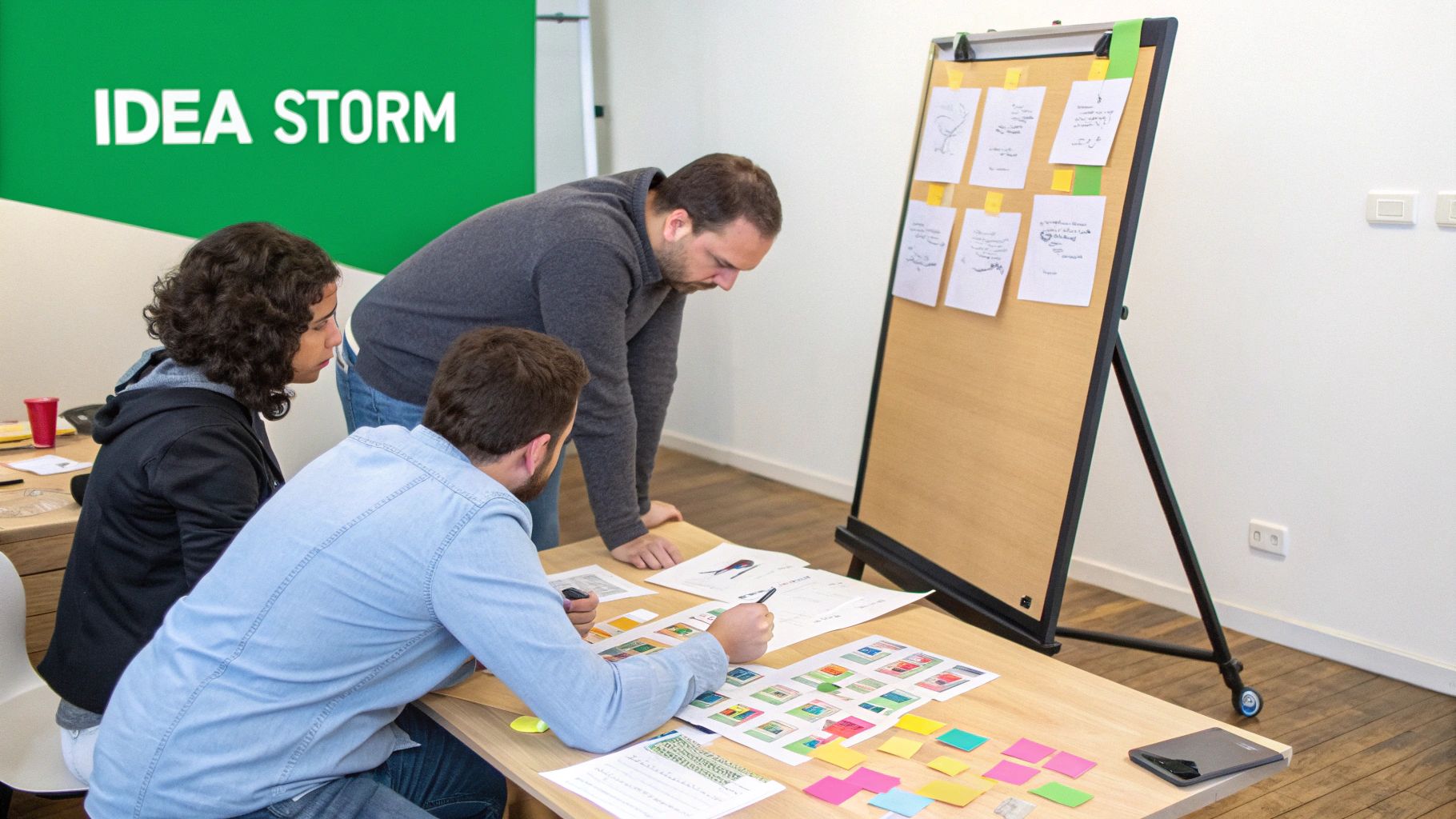
With a solid foundation of user empathy and a clearly defined problem, it’s time to unleash your team’s creativity. The Ideate phase is the expansive, judgment-free zone of the design process where you generate the widest possible range of solutions. This is where you move from “what is the problem?” to “how might we solve it?” And it’s not just about one big idea – it’s about exploring dozens of potential pathways, from messaging angles and campaign concepts to website layouts and conversion tactics.
This stage is about divergent thinking, where the goal is quantity over quality. For a business, this could mean brainstorming five completely different visual directions for a new logo, mapping out 15 different blog topics to capture search traffic, or ideating multiple value propositions for a PPC ad campaign. It’s about creating a rich pool of possibilities before you start the difficult work of narrowing them down.
Why This Step is Non-Negotiable
Jumping from problem to a single solution is a recipe for mediocrity. The first idea is rarely the best one. Ideation forces you to look beyond the obvious and explore innovative approaches you might otherwise miss. By generating a high volume of ideas, you increase the likelihood of discovering a truly effective, breakthrough solution that resonates with users and achieves business goals. This is your chance to innovate and differentiate.
Key Insight: Ideation is a strategic process of creating options. Without a diverse set of creative options to choose from, your “solution” is just a guess. This step provides the raw material for innovation and testing, ensuring you’re not just executing the easiest idea, but the right one.
Actionable Ideation Methods & Examples
The goal of ideation is to generate tangible concepts that can be evaluated and tested. This requires structured creative exercises, not just unstructured “what if” conversations.
- Real-World Example (PPC Campaign): A B2B software company wanted to improve its Google Ads click-through rate. The team held an ideation session focused on ad copy angles. They brainstormed 25+ headlines based on different triggers: price (cost-effective), features (powerful automation), social proof (trusted by 5,000+ teams), and pain points (stop wasting time on manual reports). They launched a test with the top 5 ideas, quickly identifying a “pain point” angle that doubled their CTR.
- Real-World Example (Amazon Seller): An Amazon vendor selling kitchen gadgets was struggling to stand out. Instead of just copying competitor titles, they ideated four distinct title strategies based on keyword research: one focused on “professional grade” terms, another on “easy for beginners,” a third on “multi-purpose,” and a fourth on specific use-cases like “perfect for small apartments.” By testing these variations, they found the “multi-purpose” angle resonated best, significantly improving their search ranking and sales.
Practical Tips for Effective Ideation
- Go for Quantity, Not Quality (At First): Set a specific goal, like “50 ideas in 60 minutes.” This forces the team to move past self-censorship and get everything on the table. The brilliant ideas often emerge after the obvious ones are exhausted.
- Use the “Yes, and…” Rule: Ban phrases like “no, but…” or “we tried that.” Instead, encourage participants to build on each other’s ideas using “yes, and…”. This fosters a collaborative and positive environment where concepts can evolve.
- Involve a Diverse Group: Don’t just invite designers. Bring in people from sales, customer support, and marketing. Their unique perspectives will lead to more robust and well-rounded ideas that address the full customer experience.
- Timebox Your Sessions: Keep brainstorming sessions focused and energetic by limiting them to 60-90 minutes. This prevents creative fatigue and ensures the time is used productively.
- Visualize Everything: Use whiteboards, sticky notes, or digital tools like Miro or FigJam. Making ideas visible helps the group make connections and build on concepts more effectively.
- Document All Ideas: Don’t throw anything away. Create a digital repository or take photos of the whiteboard. An idea that seems unfeasible now might be the perfect solution for a future problem, making this a key step in all 6 steps of the design process.
4. Prototype (Design & Build Solutions)
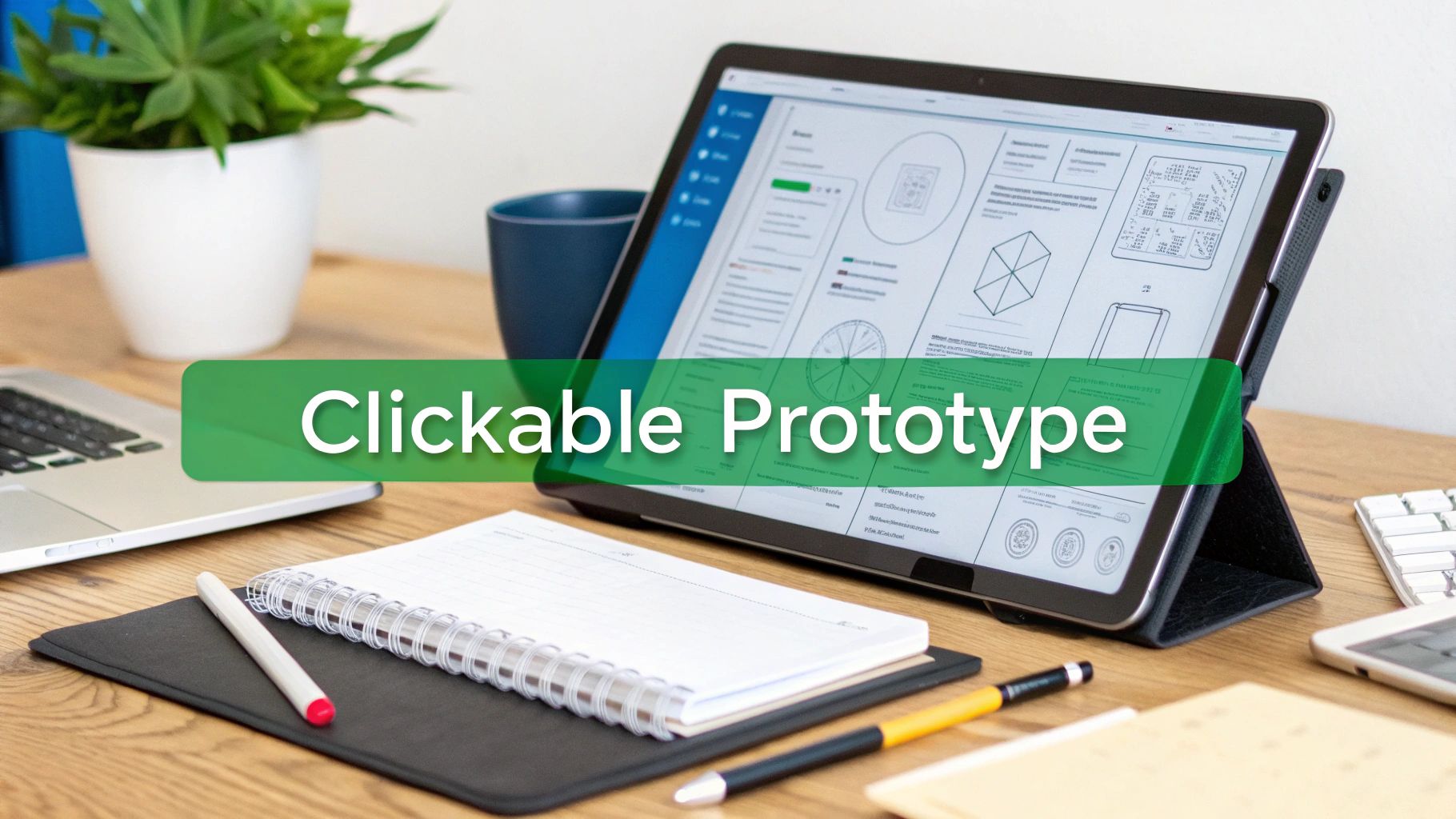
After synthesizing user insights and brainstorming potential solutions, it’s time to make your ideas tangible. The Prototype phase is where abstract concepts are transformed into concrete, testable models. This critical step in the design process involves creating preliminary versions of a product—from a simple paper sketch to an interactive digital mockup—that allow you to test your assumptions, gather feedback, and refine your direction before committing to full-scale development.
This isn’t about building the final product. It’s about creating a simulation of it. For businesses, this means taking the best ideas from the Ideate stage and building them out in a way that users can see, touch, and react to. Whether it’s designing wireframes for a new website, creating ad variations for a PPC campaign, or drafting SEO-focused content, this is where the creative execution truly begins. Following the ideation phase, bringing your concepts to life and gathering early insights is crucial. A valuable resource for effective Prototyping and Testing can guide founders and teams in building and validating their products more efficiently.
Why This Step is Non-Negotiable
Diving straight into development without prototyping is a recipe for wasted time and budget. You risk building a fully functional product that nobody wants or can use. Prototyping allows you to “fail fast and cheap,” identifying flaws in your logic and usability issues early on. This iterative feedback loop ensures the final product is not only well-built but also aligned with user expectations, leading to higher adoption and satisfaction.
Key Insight: A prototype is a question, not a statement. Its primary purpose is to get answers from users about your design assumptions before you write a single line of production code or launch a full-budget campaign.
Actionable Prototyping Methods & Examples
Prototypes exist on a spectrum, from low-fidelity (quick and easy) to high-fidelity (detailed and interactive). The key is to choose the right level of detail for the questions you need to answer.
- Real-World Example (Website Redesign): A B2B tech company is redesigning its homepage. They start with low-fidelity wireframes sketched on a whiteboard to agree on the layout. Next, they build interactive mockups in Figma, allowing stakeholders to click through the user journey. Before development, they have a high-fidelity, validated blueprint that guides the entire build, as covered in the art of website design.
- Real-World Example (PPC Campaign): A retail brand wants to test a new offer. Instead of guessing, they create 8-12 ad variations in Google Ads, each with a different headline, description, and visual. The “prototype” is the live test itself, and the winning ad creative—the one with the highest click-through and conversion rate—becomes the new control.
Practical Tips for Effective Prototyping
- Start Low-Fidelity: Begin with paper sketches or simple digital wireframes (using tools like Balsamiq or Whimsical). This allows for rapid iteration and feedback on the core structure without getting bogged down in visual details.
- Focus on the User Flow: Your prototype should test a specific task or journey. Don’t try to build the entire application; build just enough for a user to complete a key goal, like “find a product and add it to the cart.”
- Make it Interactive: Use tools like Figma, Adobe XD, or InVision to create clickable prototypes. This gives users a much more realistic feel for the product and provides more valuable feedback on the interaction design.
- Use Realistic Content: Avoid using “lorem ipsum” text. Using real or near-real copy and images makes the prototype feel more authentic and helps you test the effectiveness of your messaging.
- Document Your Handoff: For digital products, create a clear handoff document for developers. This should include design specs, assets, and explanations for key interactions, ensuring the final build matches the tested prototype. This is a vital part of the 6 steps of the design process.
5. Test (Validation & User Feedback)
A beautiful design or clever prototype is still just a collection of assumptions until it meets real users. The Test phase is where the rubber meets the road, transforming our best guesses into proven solutions. This is the fifth and arguably most critical step in the design process, where we rigorously validate our ideas with real people to gather feedback, measure performance, and identify necessary improvements before committing to a full-scale launch.
This isn’t about asking people if they “like” the design. It’s about scientific validation. For businesses, this means running controlled experiments to see what actually moves the needle—testing website usability to remove friction, comparing ad creative to maximize ROI, and analyzing conversion funnels to plug leaks. Before you invest heavily in development or a full marketing rollout, you must test your assumptions to ensure the solution not only works but also achieves its intended business goals.
Why This Step is Non-Negotiable
Skipping the Test phase is like launching a ship without checking for leaks. You might float for a while, but you’re risking a costly and public failure. By validating your designs with real users, you mitigate risk, save significant development resources, and build confidence that your final product will succeed in the wild. Testing provides the hard data needed to justify design decisions to stakeholders and ensures the final iteration is optimized for performance.
Key Insight: Testing isn’t a final checkmark; it’s a strategic tool for accelerated learning. It’s the fastest way to find out what truly works, turning expensive opinions into invaluable data and creating a culture of continuous improvement.
Actionable Testing Methods & Examples
Effective testing combines quantitative data (what happened) with qualitative feedback (why it happened). The goal is to get a clear, evidence-based direction for refinement.
- Real-World Example (PPC Campaign): A client running a PPC campaign A/B tested two ad copy variations: one focused on urgency (“Limited Time Offer!”) and another on benefits (“Save 30% on Energy Bills”). After running the test across a $10k spend, they found the benefit-driven copy resulted in a 22% higher conversion rate, providing a clear winner for future campaigns.
- Real-World Example (E-commerce): An e-commerce store tested a redesigned checkout flow with 20 users in moderated sessions. They observed three major friction points that users consistently struggled with. Fixing these issues before launch led to a measurable 12% reduction in cart abandonment.
Practical Tips for Effective Testing
- Define a Clear Hypothesis: Before any test, state your goal: “If we change the CTA button color to orange, we believe the click-through rate will increase because it stands out more against our blue background.” This frames the test and defines success.
- Test One Variable at a Time: In an A/B test, change only one element (e.g., the headline, the image) between versions. This allows you to isolate the impact of that specific change. Use multivariate testing only when you need to test multiple combinations at once and have sufficient traffic.
- Ensure Statistical Significance: Don’t end a test just because one version is ahead after two days. Use a calculator to determine when you’ve reached statistical significance (typically a 95% confidence level) to ensure your results are reliable, not just random chance.
- Combine “Quant” and “Qual”: Look at the numbers (conversion rates, time on page) but also gather qualitative feedback through user surveys or short interviews to understand the why behind the data.
- Document and Share Learnings: Create a simple, shared repository of all test results—both winners and losers. These learnings are invaluable assets that prevent your team from making the same mistakes twice. This data-driven approach is fundamental to effective conversion rate optimization best practices.
- Focus on High-Impact Areas First: Start by testing elements on your highest-traffic pages, like your homepage headline or your main call-to-action button. Small wins here can produce the largest business impact and build momentum for your testing program.
6. Implement & Iterate (Launch, Monitor & Optimize)
The finish line isn’t a launch date; it’s the starting line for growth. The final step of the design process, Implement & Iterate, is where the rigorously tested design goes live and begins its real-world journey. This phase is about deploying the solution, meticulously monitoring its performance, and using that data to fuel a continuous cycle of optimization. It’s the transition from a well-researched project to a living, breathing asset that drives tangible business results.
This isn’t a “set it and forget it” moment. And it’s certainly not the end. For businesses, this is where the return on investment truly materializes. Whether it’s launching a new website, deploying a PPC campaign, or publishing SEO content, the goal is to establish a performance baseline and then systematically improve it. This continuous loop of measuring, learning, and optimizing is what separates high-growth companies from the rest.
Why This Step is Non-Negotiable
A launch without a plan for iteration is a gamble. You’re betting that your pre-launch research and testing captured every possible user behavior and market condition—an impossible feat. The Implement & Iterate stage turns that gamble into a calculated strategy. By committing to ongoing optimization, you ensure your digital assets don’t become outdated, consistently adapt to user needs, and maximize their performance over time, protecting and growing your initial investment.
Key Insight: The biggest opportunities for growth are often discovered after launch. Real-world user data is the ultimate truth, and a disciplined iteration process is the only way to act on that truth to drive compounding returns.
Actionable Optimization Examples
Iteration is where small, data-informed changes lead to massive gains. The key is to run structured tests and measure the impact on your primary business goals.
- Real-World Example (E-commerce): A brand launches its new website with a baseline conversion rate of 2%. By implementing a monthly optimization cycle—testing changes to the checkout flow, tweaking CTA button colors, and refining email funnels—they drive the conversion rate to 3.5% within six months. That’s a 75% improvement in revenue-generating performance.
- Real-World Example (Local Service): A local service provider’s PPC campaign launches with a solid 8% conversion rate. Through continuous iteration—refining geo-targeting, adding negative keywords, and implementing ad scheduling (day-parting)—they increase the conversion rate to 12% while reducing overall costs by 35% in just 90 days.
Practical Tips for Effective Iteration
- Establish a Reporting Cadence: Set up a weekly or monthly reporting schedule. Crucially, always tie performance metrics (like traffic or click-through rate) directly back to business impact (like leads generated or revenue earned).
- Create an Optimization Roadmap: Brainstorm a list of potential improvements and prioritize them by estimated impact and effort. Tackle the high-impact, low-effort “quick wins” first to build momentum.
- Document Everything: Keep a detailed log of every change made, the hypothesis behind it, and the results. This “learning library” becomes an invaluable asset for the entire team and prevents you from repeating past mistakes.
- Run a Continuous Test Calendar: Aim to have 2-3 A/B tests or experiments running concurrently at all times. This maintains a steady pace of learning and improvement, ensuring you’re always getting smarter about what works.
- Invest in Automation: Use tools for bid automation in PPC, automated email sequences, and content distribution. Automation allows you to scale your results and frees up your team to focus on strategy and analysis, which is central to the 6 steps of the design process.
6-Step Design Process Comparison
| Phase | Implementation complexity | Resource requirements | Expected outcomes | Ideal use cases | Key advantages |
|---|---|---|---|---|---|
| 1. Empathize (Discovery & Research) | Moderate — time‑intensive coordination and data collection | Researchers, analytics, interview/survey budget, stakeholder time | User insights, baselines, pain points, opportunity map | New projects, audits, market entry, SEO/PPC discovery | Reduces assumptions; informs strategy; identifies quick wins |
| 2. Define (Problem Statement & Strategy) | Moderate — synthesis and prioritization work | Strategists, analysts, stakeholder alignment, planning tools | Clear problem statement, SMART goals, prioritized roadmap | Strategy-led campaigns, scope definition, KPI alignment | Prevents scope creep; creates measurable accountability |
| 3. Ideate (Creative Exploration & Brainstorming) | Low–Moderate — facilitation and creative time | Cross‑functional team, workshops, inspiration assets | Multiple concepts, testable hypotheses, creative directions | Creative briefs, campaign concepting, content strategy | Generates options; fosters innovation; seeds tests |
| 4. Prototype (Design & Build Solutions) | High — design and build of tangible assets | Designers, developers, prototyping tools, content creators | Clickable prototypes, mockups, production-ready assets | Website builds, ad creative, branding, Amazon listings | Tangible deliverables; early validation; reduces dev rework |
| 5. Test (Validation & User Feedback) | Moderate–High — experimentation and analysis | Testing platforms, sample users, analytics, QA resources | Validated variants, performance metrics, prioritized fixes | CRO, A/B testing, pre-launch validation, campaign optimization | Data-driven decisions; measurable lifts; risk mitigation |
| 6. Implement & Iterate (Launch, Monitor & Optimize) | Ongoing/high — deployment plus continuous cycles | Ops/marketing team, monitoring dashboards, ongoing budget | Live performance gains, compounding improvements, documentation | Post-launch scaling, long-term campaigns, account management | Sustained ROI; rapid course correction; scalable processes |
The Process is The Product
Navigating the 6 steps of the design process isn’t just about following a checklist. It’s a fundamental shift in mindset. You move away from treating design and marketing as isolated, one-off projects—a new logo here, a website refresh there—and toward building a sustainable, customer-centric engine for growth. The real deliverable isn’t just the final, polished product. The real “product” is the process itself: the repeatable, scalable system of listening, defining, creating, testing, and iterating that generates compounding returns over time.
Think about it. When you commit to this framework, you stop guessing. You replace assumptions with data. You replace subjective debates in the boardroom with objective feedback from the only people who truly matter—your customers. It forces you to put the user at the absolute center of every single decision, from the initial discovery call to the final launch and beyond. And in a crowded marketplace, that empathetic focus is your most durable competitive advantage.
From Gambling to Growth Engineering
Let’s be honest, marketing without a solid process often feels like gambling. You’re placing bets on campaign ideas, ad creatives, and website layouts, hoping one of them hits the jackpot. Following the 6 steps of the design process changes the game entirely.
- Step 1 (Empathize): You stop broadcasting and start listening, gathering the raw intelligence needed to build something people actually want.
- Step 2 (Define): You crystallize that intelligence into a sharp, actionable problem statement, ensuring everyone is rowing in the same direction.
- Step 3 (Ideate): Creativity isn’t random; it’s a structured exploration of potential solutions to a well-defined problem.
- Step 4 (Prototype): You build tangible, low-cost versions of your ideas, making them real enough to test without sinking your budget.
- Step 5 (Test): You expose your prototypes to real users, validating what works and, just as importantly, discovering what doesn’t—before it’s too late.
- Step 6 (Implement & Iterate): The launch is just the beginning. This is where you monitor, learn, and optimize, turning good into great.
This deliberate approach might feel slower at first compared to just jumping straight into execution. But it’s an investment that prevents costly missteps, wasted resources, and the kind of failed launches that can set a business back months or even years. It’s the difference between building on a foundation of sand versus one of solid rock.
The Power of the Loop
The final step, Implement & Iterate, is arguably the most powerful. It’s what transforms this linear-looking list into a dynamic, continuous cycle of improvement. Each launch provides new data, which feeds directly back into the Empathize stage for the next round of enhancements. This loop is the core of modern product development and marketing. If you truly want to excel, it’s essential to master iterative design process steps to ensure your business never stops evolving and adapting to customer needs.
Ultimately, embracing the 6 steps of the design process is a commitment to excellence. It’s a declaration that you’re done with guesswork and ready to build a predictable, data-informed system that consistently delivers results. It ensures your marketing, your website, and your brand aren’t just aesthetically pleasing, but are meticulously engineered to solve real problems for real people. And that is the only sustainable path to winning their business and their loyalty.
Tired of the marketing guesswork? At Mr. Green Marketing, LLC, we build growth engines, not just campaigns, by embedding this proven 6-step design process into everything we do. If you’re ready to build a customer-centric strategy that delivers predictable results, let’s talk.
Leave a Comment
sing in to post your comment or sign-up if you dont have any account.